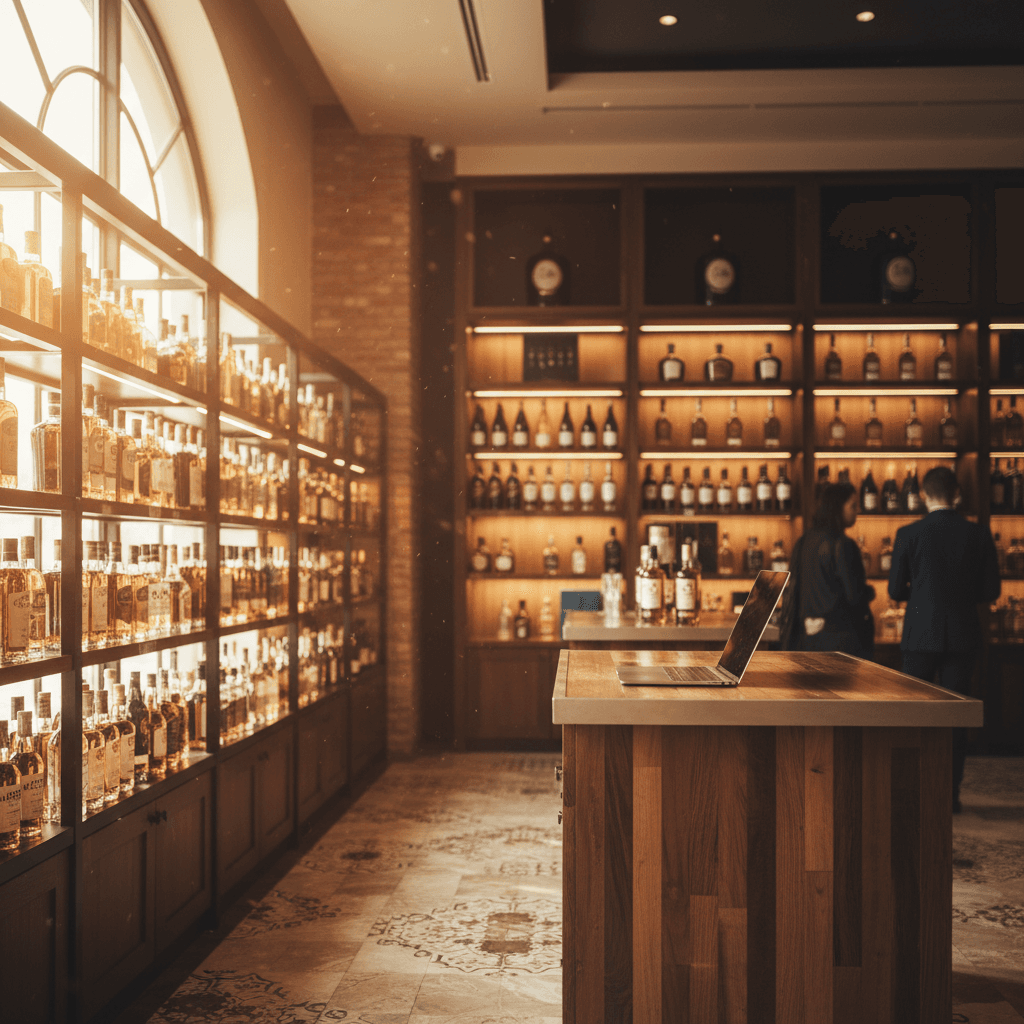
How to Audit Your Liquor Store's Website for ADA Compliance Before It Becomes a Lawsuit
By Intentionally Creative, Editorial Team13 min read
Listen to this article17:15
Schedule a free strategy call and Intentionally Creative will build a custom plan for you.
Schedule Your Free Strategy CallFree audit. No commitment.
Get a Free Audit. No commitment.
Learn how to check your liquor store website ADA compliance before lawsuits hit. A step-by-step audit guide built for beverage retail owners.
Picture this: you've finally invested in a solid e-commerce setup for your liquor store. Online orders are climbing, your product pages look great, and you're reaching customers who never would have walked through your front door. Then you get served with an ADA lawsuit, not because you did anything malicious, but because a screen reader can't parse your age verification gate and your product images are labeled "IMG_4392.jpg." Welcome to the new legal reality for liquor retail.
Liquor store website ADA compliance has gone from "nice to have" to "protect your business" territory, fast. Plaintiff's attorneys are actively targeting alcohol retailers with inaccessible websites, and the lawsuits aren't slowing down. Settlements typically range from $10,000 to well over $150,000, and most store owners don't realize they're exposed until the demand letter arrives.
The good news? You can get ahead of this. This guide walks you through exactly what ADA compliance means for your liquor store's website, how to audit it yourself in about an hour, and what to fix first. No legal degree required, just a willingness to look at your site through a different lens.
If you think ADA lawsuits are something that only happens to big-box retailers and restaurant chains, it's time to update your assumptions. As of early 2025, a new wave of ADA website accessibility lawsuits is specifically targeting alcohol suppliers and retailers. This isn't a hypothetical risk sitting on the horizon, it's an active, escalating legal trend hitting businesses that look a lot like yours.
Discover 7 proven Instagram content ideas for liquor stores that boost engagement and drive sales. Learn how to promo...
And the timing makes sense. Research suggests that nearly half of Gen Z and Millennial drinkers are interested in purchasing alcohol online. That demand has pushed more independent liquor stores to build or expand digital storefronts. More websites mean more targets. Plaintiff's attorneys know this, and they're paying attention.
Major liquor store chains have already gotten the message. Retailers like ABC Fine Wine & Spirits and The Barrel Tap have published formal ADA compliance statements on their websites. When that many players in your industry start lawyering up their footers, it's a clear signal: compliance isn't optional anymore. The industry has even spawned its own niche compliance guides for beer, wine, and spirits retailers, because the legal target on this sector has grown large enough to justify specialized resources.
Preventing an ADA lawsuit starts with understanding why your industry is in the crosshairs. You're selling age-restricted products through digital channels to a growing online customer base. That combination of regulatory complexity and expanding web presence makes you an attractive target for serial ADA litigants looking for easy settlements.
Avoid TTB violations and Google Ads suspension with this guide to alcohol advertising rules for liquor stores. Expert...
Here's the thing, the ADA doesn't explicitly mention websites. Not a single word. But courts have increasingly interpreted the law to cover any public or private entity providing goods and services online, including your liquor store. The standard that keeps showing up across every compliance statement in the industry? WCAG 2.1 Level AA. That's the benchmark courts and regulators reference, and it's the benchmark your accessibility audit should measure against.
Bottom line: if your store has a website, you have exposure. And if customers can browse or buy on that site, the legal expectation is that all customers can, including those with disabilities.
Understanding the legal landscape is one thing. But the reason this issue is accelerating, and why it demands your attention right now, comes down to a fundamental shift in how your customers want to buy.
Learn how email segmentation for liquor stores drives repeat sales with a 4,200% ROI. List-building tactics, purchase...
A simple five-page brochure site? Relatively low risk. But the moment you add online ordering, you've multiplied your exposure. As younger, digitally native consumers drive more alcohol purchases online, every new page you launch is another potential accessibility gap.
Age verification gates, product filtering, shopping carts, checkout forms, each feature introduces accessibility challenges that most store owners never think about. Can a screen reader navigate your age gate? Can a keyboard-only user complete checkout? These are the exact gaps a plaintiff's attorney will look for.
The more sophisticated your online store becomes, the larger your liability surface grows. That's precisely why an accessible website requires ongoing auditing, not a one-and-done checkbox. Your growing digital storefront is your growing legal exposure.
So you know the risk is real, and you know it's growing alongside your online presence. The next logical question: what exactly are you supposed to be measuring your site against? Let's demystify the standard.
Liquor store website ADA compliance sounds complicated until you understand what you're actually measuring against. The standard is called WCAG 2.1 Level AA, and it's not some obscure guideline buried in a government document. It's the benchmark. Every liquor store compliance statement we reviewed references it. Every accessibility lawsuit measures against it. This is your target, full stop.
So let's break it down without the tech-speak.
WCAG is built on four principles (sometimes called POUR). Here's what each one actually means for your store:
In practical terms, compliance means: proper color contrast on sale pricing (that red-on-dark-red "20% OFF" tag fails), labeled form fields on your age verification pop-up, and accessible navigation across every device.
When we run accessibility audits for liquor retail clients, the same issues show up again and again. Here are the biggest offenders, and the ones most likely to land you in court.
This is the number one compliance failure we encounter. Your product pages are full of images tagged as "image123.jpg" or just "bottle." That tells a screen reader user absolutely nothing. Proper alt text should describe the product name, type, and size, something like "Buffalo Trace Kentucky Straight Bourbon Whiskey, 750ml."
Your age gate is the front door to your store. If it's built as an overlay that traps keyboard users or can't be read by screen readers, visually impaired customers can't even get in. That's a textbook ADA violation, and exactly the kind of barrier driving the current wave of lawsuits against alcohol retailers. An accessible liquor store website starts with an age gate that actually works for everyone.
Forms without proper labels, undetectable error messages, and broken tab order mean a visually impaired customer literally cannot complete a purchase. If someone can browse your site but can't buy? That's a conversion killer and a liability.
Two more issues worth flagging: low color contrast on sale banners and navigation (especially on dark-themed sites), and embedded third-party tools, chatbots, email pop-ups, delivery widgets, that are completely inaccessible. You're liable for those tools even though you didn't build them. WCAG 2.1 Level AA is the standard, and proper compliance means auditing everything on your site, not just what you coded yourself.
Now that you know what's broken, let's talk about getting it fixed, starting with what you can handle on your own and when it makes sense to call in help.
You've got your audit findings. Now what? The good news: not everything requires a developer.
Start with the fixes that address the most common violations, and that you can knock out in a day or two:
Quick wins only go so far. If your audit reveals deeper structural problems, an inaccessible checkout flow, an outdated platform, or complex interactive elements, hire a developer who understands WCAG 2.1 AA requirements. That's the standard courts reference, and getting it right now is far cheaper than getting it wrong later.
Here's the critical warning: accessibility overlay widgets like AccessiBe and UserWay are not compliance solutions, despite their marketing. Courts have ruled these toolbar plugins don't make sites ADA compliant. Worse, some plaintiff attorneys specifically target sites running overlays, because the widget signals you're aware of accessibility requirements but haven't actually fixed anything. An overlay on an otherwise inaccessible site is practically painting a target on your back. Building a genuinely compliant website means doing the actual remediation work, no shortcuts.
That last part matters more than most retailers realize. Your younger customers are browsing on phones, not desktops. Your audit must include mobile testing because that's increasingly where both customers and plaintiff testers encounter your store.
Now that you know what the standard looks like, it's time to put it into practice. You don't need a law firm or an expensive consultant to take the first pass, here's how to audit your own site in about an hour.
You don't need to hire a consultant to get started. A basic accessibility audit takes about an hour, and it can save you from a five-figure legal headache. Here's how to do it yourself.
Start with free tools like WAVE ↗, Google Lighthouse (built into Chrome), or axe DevTools. Paste in your URL and let them work. These tools catch roughly 30–40% of common issues, missing alt text on product images, color contrast failures, unlabeled form fields on your contact page. It's not everything, but it gives you a concrete starting point. Think of it as the low-hanging fruit.
Unplug your mouse. Seriously. Now try navigating your entire site using only the Tab, Enter, and Arrow keys. Can you get through the age verification gate? Browse your product categories? Add a bottle to the cart and complete checkout? If you get stuck anywhere, so does someone with a motor disability, and that's exactly the kind of barrier that triggers lawsuits.
Turn on VoiceOver (built into every iPhone and Mac) or TalkBack (Android). Close your eyes and listen to how your site reads aloud. Does it make sense? Can a blind user tell the difference between your bourbon and vodka listings, or does every product sound like "image, link, $29.99"? This is where most liquor store sites fail badly, and it's a critical piece of building a truly accessible digital storefront.
Focus your audit on the pages most likely to be tested in a lawsuit: your homepage, age gate, product listings, individual product pages, cart, checkout flow, and contact page. These are the high-traffic, high-function pages that plaintiff attorneys check first.
As you go, document every issue in a simple spreadsheet, page URL, the problem, which WCAG 2.1 Level AA criterion it violates, and severity (critical, major, minor). This spreadsheet becomes two things: your remediation roadmap and documented proof of good faith effort if you're ever challenged.
Finished your audit? You're probably staring at a list of issues and wondering how bad it really is. Here's some reassurance: almost every liquor store website we've looked at has the same problems. Knowing what they are means you're already ahead of most of your competitors.
Intentionally Creative specializes in web design strategies that drive real results. Let us show you what's possible.
Schedule a CallFixing what's broken today is essential, but it's only half the job. The sites that stay out of legal trouble are the ones that bake accessibility into how they operate going forward.
Liquor store website ADA compliance isn't something you check off a list and forget. Websites drift. Plugins update. You add new products, swap out seasonal promotions, build landing pages for the holidays. Each change is a chance for accessibility to slip.
Major liquor retailers already do this, and you should too. A clear accessibility statement shows good faith, gives users a direct contact when they hit a barrier, and can actually work in your favor if a complaint is filed. Reference WCAG 2.1 Level AA and explain your commitment in plain language.
Every new product page, every promo banner, every feature addition, run a quick accessibility check before it goes live. Set a quarterly calendar reminder to re-scan your full site with automated tools and do a brief manual review.
The math is simple: an ADA lawsuit runs $10,000, $150,000+ in settlements and legal fees. A proactive accessibility audit costs a fraction of that, and keeps your store open to every customer who wants to buy from you.
Liquor store website ADA compliance isn't a trend you can wait out. The lawsuits are here, the legal standard is clear, and your online storefront is only getting bigger. The store owners who act now, running audits, fixing the common failures, and building accessibility into their ongoing operations, are the ones who won't be writing six-figure settlement checks next year.
You don't need to make your site perfect overnight. You need to start. Run the automated scan. Unplug your mouse and try to navigate your own checkout. Turn on a screen reader and listen to what your site actually sounds like. Document what you find, fix what you can this week, and get professional help for the rest.
Every step you take is documented proof that you're acting in good faith, and every barrier you remove is another customer who can actually buy from you.
Ready to get your liquor store's website right? Contact Intentionally Creative for a professional accessibility audit tailored to beverage retail, before a plaintiff's attorney does one for you.